ThealiteKeepSafe .com: What This Site Really Is and How to Use It Without Getting Confused

What Is ThealiteKeepSafe .com, Exactly?
ThealiteKeepSafe.com is a content website. That means its main output is articles—not software, not a login dashboard, and not a paid subscription service.
Its homepage reads like a general information blog. You’ll find posts covering digital privacy, artificial intelligence, search engine optimization, home security, and other broad lifestyle and business topics. The About page describes the site as publishing plain-English guides about online safety and digital privacy.
That description sounds reasonable. The key detail is what sits underneath it: the site openly functions as a publishing platform for sponsored content. According to a forensic review of the domain, article placements are listed on link marketplaces at roughly $12 per post. In plain terms, businesses pay to have articles published there.
Definition: A sponsored-content blog is a website that earns revenue by publishing articles paid for by outside clients. The articles may be accurate, but they are not independent journalism, and the paying client usually influences the topic or the message.
That doesn’t make the site dangerous. It does mean you should read it with the same healthy skepticism you’d apply to any advertorial.
Why Does the Name Sound So Familiar?
The confusion comes from two words: keep and safe. Both ThealiteKeepSafe .com and the real Keepsafe brand use them, and both suggest protection and privacy.
The official Keepsafe website is getkeepsafe.com. It’s a privacy app company that started in San Francisco in 2012 and became known for Keepsafe Photo Vault, a PIN- and biometric-protected space for private photos and videos. The company also offers other apps, including a VPN and a browser.
ThealiteKeepSafe .com is a separate domain that publishes articles. Beyond the name, there is very little overlap between the two. One is a blog; the other is a software company.
Here’s the comparison in one view:
| Feature | ThealiteKeepSafe.com | Official Keepsafe |
|---|---|---|
| What it is | Content blog | Privacy app brand |
| Main output | Articles and guides | Apps and product pages |
| Website | thealitekeepsafe .com | getkeepsafe.com |
| Asks for downloads? | No product or app page | Yes—apps for mobile and desktop |
| Asks for payment? | No pricing or deposit flow on the live site | Paid plans and subscriptions exist |
If you were looking for the app, stop here and go directly to getkeepsafe.com. If you’re just curious about the blog, keep reading—but adjust your expectations.
What Kind of Content Will You Actually Find There?
The site’s content is wide rather than deep. It touches online safety, AI tools, SEO advice, business topics, food, and home security. That breadth is a clue about its business model.
A specialist security publication tends to publish narrowly and consistently. A sponsored-content blog casts a wide net because it needs to attract different kinds of clients and different kinds of search traffic. The result is a mix of topics that don’t always belong together.
None of that automatically makes an article wrong. But it does mean you shouldn’t treat a post on ThealiteKeepSafe .com as a substitute for guidance from a regulator, a security researcher, or the official documentation of a product you use.
When you read a post there, ask three questions:
- Who is named as the author? If no real person is credited, treat the article as brand content.
- Does the article link to primary sources? Claims about security or privacy should point to official documentation.
- Is the post pushing a product or a service? If every paragraph leads toward a paid tool, you’re reading marketing.
Is It Safe to Visit ThealiteKeepSafe .com?
Visiting the site is low-risk for most readers. There is no product to install, no account to create, and no payment flow on the live site. That removes the most common ways a website can separate you from your money or your data.
The site uses HTTPS, which encrypts the connection between your browser and the server. That’s a basic hygiene signal, and it’s good that it’s present. But it does not prove the site is trustworthy.
Important: HTTPS encrypts the pipe. It does not verify the honesty of the person on the other end. A fraudulent site can obtain a certificate just as easily as a legitimate one.
The FBI has repeatedly warned that cybercriminals incorporate website certificates into phishing schemes to make malicious pages look secure. The lesson is simple: a padlock icon is a minimum requirement, not a seal of approval.
So: safe to read? Probably yes, in the same way any ad-supported blog is safe to read. Safe to treat as a security authority? No. And definitely not a substitute for the official Keepsafe app if that’s what you need.
How Can You Judge a Site Like This for Yourself?
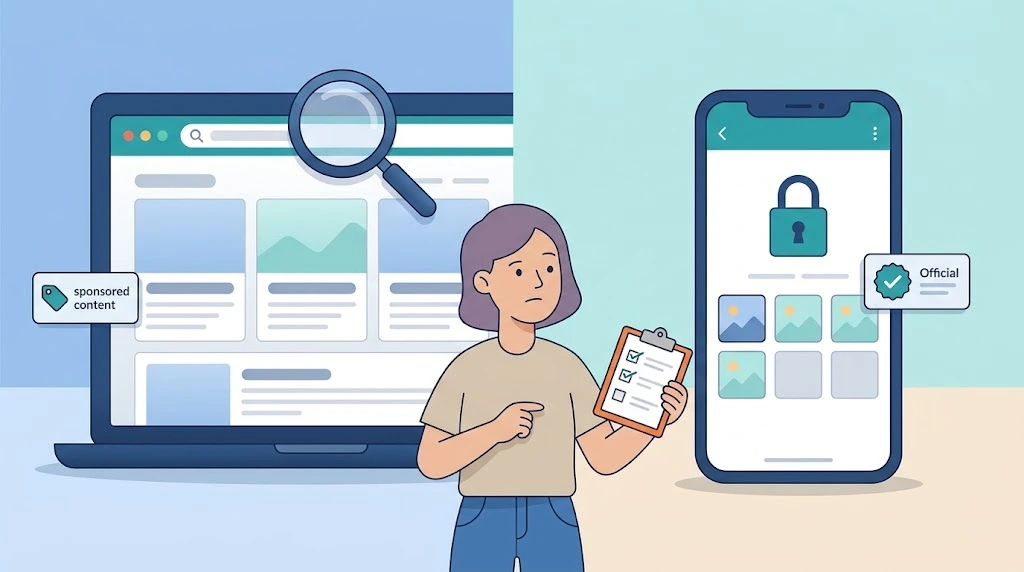
You don’t need a background in cybersecurity to evaluate a website. You need a repeatable process. Use the same four checks every time a domain feels slightly off.
Check 1: Confirm the exact domain
Read the address bar character by character. ThealiteKeepSafe .com is not getkeepsafe.com. Misspellings, extra words, and hyphenated variations are classic look-alike patterns. If you arrived from a search result, slow down and compare the domain to the brand you actually intended to visit.
Check 2: Look for a real business identity
A trustworthy site tells you who runs it, where it operates, and how to reach a human. If the About page is vague, the contact page is a form with no address, and the ownership is hidden behind a privacy service, those are context clues—not proof of fraud, but reasons to lower your trust level.
The FTC advises consumers to research unfamiliar sellers and to read reviews critically rather than relying on a single source. The same principle applies to information sites: check who is behind the content before you act on it.
Check 3: Separate information from persuasion
Ask what the page wants you to do. A genuine guide informs you and lets you leave. A sponsored post often nudges you toward a product, a quote request, or an affiliate link. Neither is evil—but you should know which one you’re reading.
Check 4: Follow the money signal
If a site’s business model is selling article placements, its articles are part of a commercial pipeline. That doesn’t mean every sentence is false. It means the site is not an independent watchdog, and its recommendations deserve extra scrutiny.
What Should You Do If You Landed There by Mistake?
If your goal was to find the Keepsafe photo vault or another Keepsafe app, close the tab and go directly to getkeepsafe.com. Typing the official address yourself is safer than trusting a search result or an ad.
If you already entered information somewhere that looked like Keepsafe but wasn’t the official domain, take it seriously. Change any reused password, enable two-factor authentication on the affected account, and check for unfamiliar activity.
You can report suspected fraud to the FBI Internet Crime Complaint Center at ic3.gov. The FTC also accepts reports at ReportFraud.ftc.gov. Reporting doesn’t undo a mistake, but it helps pattern-detection systems warn the next person.
If you’re simply reading ThealiteKeepSafe.com for general information, there’s no urgent action to take. Just keep your guard up and verify anything that sounds like a security recommendation against a primary source.
Frequently Asked Questions
Is ThealiteKeepSafe .com the same as Keepsafe?
No. Keepsafe’s official products are on getkeepsafe.com. ThealiteKeepSafe.com is a separate content website that publishes articles on safety, AI, SEO, and other topics. The similar names cause confusion, but the two are different entities.
Is ThealiteKeepSafe .com a scam?
It does not appear to be a scam in the sense of stealing money or installing malware. It is a sponsored-content blog. The main risk is informational: readers may mistake paid placements for independent advice.
Does ThealiteKeepSafe.com ask for money or downloads?
The live site shows no product page, no pricing plans, no app downloads, and no deposit flow. Its business is publishing articles, not selling software directly.
Is it safe to read articles on ThealiteKeepSafe .com?
Reading the articles is low-risk. Just don’t treat them as expert security guidance. Verify any technical claim against official documentation or a recognized authority.
Why does ThealiteKeepSafe .com rank in search results?
The site publishes content across many topics and appears to participate in link marketplaces. Those factors can help a domain surface in search. Ranking is not the same as reliability.
What should I do if I wanted the Keepsafe app but landed on the wrong site?
Go directly to getkeepsafe.com by typing the address yourself. If you entered credentials anywhere suspicious, change the password and enable two-factor authentication on that account.
Conclusion
ThealiteKeepSafe .com isn’t a villain hiding in your browser. It’s a blog with a confusing name and a commercial model that rewards volume over expertise.
That’s exactly why it’s worth understanding. The modern web is full of sites that look informational but function as marketing channels. The skill that protects you isn’t memorizing a list of “bad” domains—it’s knowing how to check a domain, identify the business behind it, and separate useful information from persuasion.
Bookmark getkeepsafe.com if you need the real app. And the next time a website’s name feels just a little too familiar, trust that feeling enough to check the address bar.