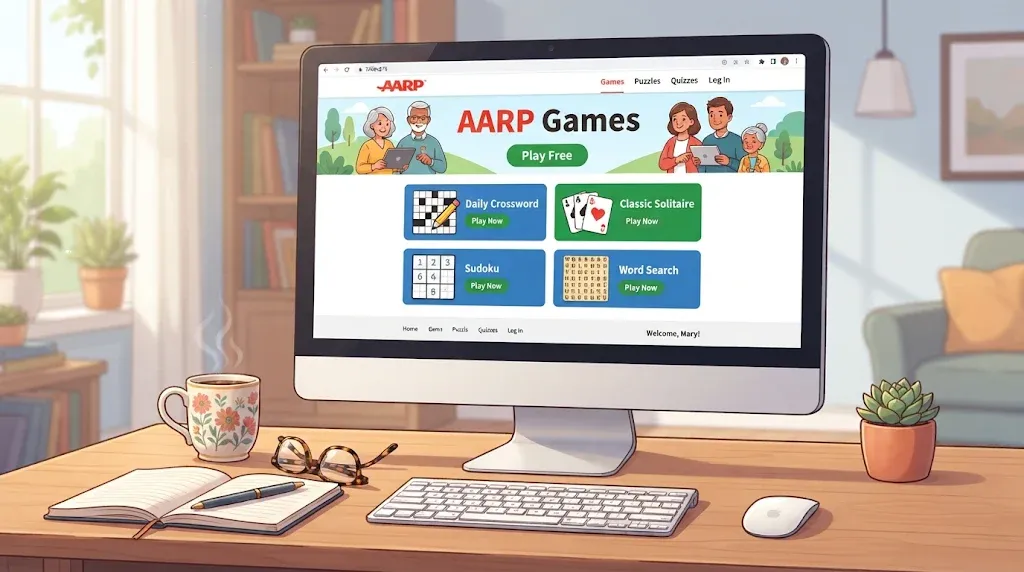
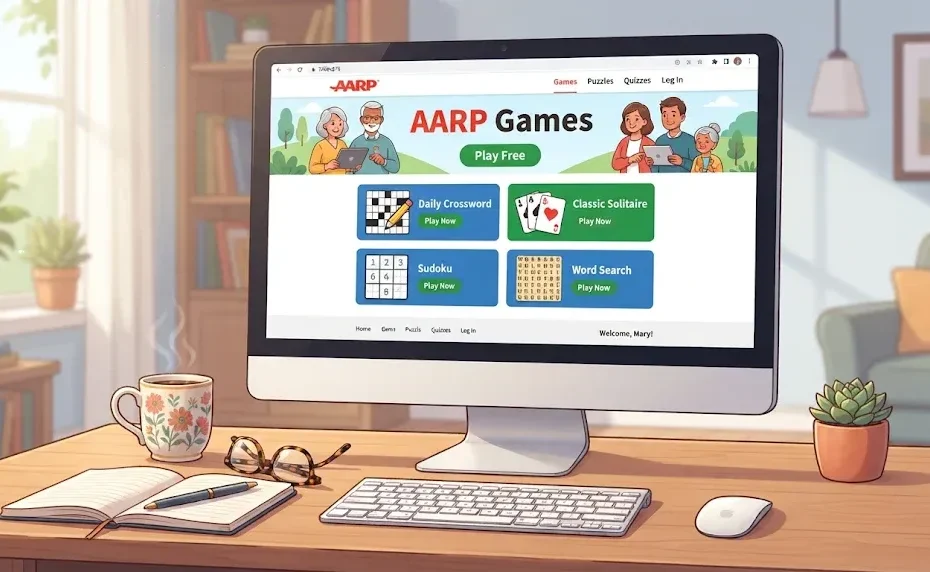
TL;DR: AARP Games is a free, browser-based collection of over 150 puzzles, card games, and word challenges. Most titles require no membership, and a free account unlocks score tracking and rewards. New games arrive regularly, including seasonal titles and daily challenges like Today’s Hurdle.
A Quick Overview Before You Dive In
- No download needed. Every game runs directly in your browser on desktop, tablet, or phone.
- Most games are free. You don’t need an AARP membership to play the Daily Crossword, Sudoku, Solitaire, or Word Wipe.
- A free account adds convenience. Signing up (at no cost) saves your scores, tracks your recently played games, and lets you earn AARP Rewards points.
- New titles appear throughout the year, including seasonal games and exclusive early-access releases.
- Brain health is a bonus, not a guarantee. Games keep your mind engaged, but research on preventing cognitive decline remains mixed.
What Are AARP Games, and Who Are They For?
AARP Games is an online games center hosted at aarp.org/games. It brings together classic card games, word puzzles, number challenges, trivia, and arcade-style titles in one clean, ad-supported hub. You won’t find flashy downloads or complex installs here—just click a tile and start playing.
The collection is designed with adults 50 and older in mind, but anyone can use it. The interface uses larger buttons, clear labels, and adjustable difficulty levels. That makes it a comfortable starting point for beginners, while still offering enough variety for seasoned puzzle fans.
Definition: AARP Games is a browser-based gaming platform operated by AARP, offering a rotating library of free and members-only games across categories like Word & Trivia, Mahjongg, Solitaire, Strategy, Arcade, and Daily Puzzles.
The platform organizes titles into clear categories, so you don’t have to scroll through an endless list. If you want a crossword, you go to the Word & Trivia section. If you’re in the mood for cards, the Solitaire and Card sections have you covered. A “Recently Played” row appears once you log in, making it easy to pick up where you left off.
Free vs. Members-Only: What Can You Actually Play?
Here’s the question almost everyone asks first: Do I need to pay? The short answer is no for most of the library. AARP marks each game tile with an access label. If it doesn’t say “Members Only,” you can typically play it without a paid membership.
A free AARP online account (which costs nothing) is different from a paid membership. The free account lets you save scores and access your game history. The paid membership unlocks a smaller set of premium titles and extra features.
| Access Level | What You Get | Examples |
|---|---|---|
| No login required | Play instantly; progress is session-based | Daily Crossword, Mini Crossword, Sudoku, Word Search, Klondike Solitaire |
| Free AARP account | Save scores, track recently played, earn some Rewards points | Same free games plus history and score tracking |
| Paid AARP membership | Access to Members Only titles and bonus reward opportunities | Stan Newman’s Daily Crossword, Smartle, Codeword, Let’s Crossword, Lumeno, Blackjack, Mathdoku, Pattern Match |
Data shows the free catalogue covers the vast majority of what most players want. The members-only section is a perk for paying members, not a gate on the entire platform.
New Games and Recent Additions Worth Trying
AARP updates its game library regularly, and 2026 has brought several fresh options. Here are some of the newest titles and features you can explore right now.
Today’s Hurdle is a daily word game with a Wordle-style twist—five puzzles each day instead of one. It’s free and designed to challenge your brain without a time commitment.
Categories is a new word-matching game where you clear a grid by grouping words that fit together. It’s part trivia, part vocabulary workout, and it’s free to play.
Crystal Collapse is a match-and-clear game with a colorful, relaxing vibe. The more crystals you match, the higher your score climbs—good for quick breaks or longer sessions.
Jewel Quest Early Access is available to AARP Rewards participants who want to try it before the general release. It’s one example of how the platform experiments with early-access drops.
Seasonal titles also rotate in and out. Thanksgiving Mahjong, Halloween-themed games, and holiday collections appear for limited windows, giving regular players a reason to check back.
How AARP Games Support Brain Health and Social Connection
Playing games won’t guarantee a sharper memory, but it can keep your mind active and your routines more enjoyable. The National Institute on Aging notes that commercially available brain games have not been proven to prevent dementia or deliver the same benefits seen in structured cognitive-training studies.
That said, mentally engaging activities are still worthwhile—especially when they’re free and genuinely fun. AARP’s own research suggests that “meaningful play” contributes to brain health by keeping people mentally engaged and relaxed. Games like Mem Machines, a short-term recall challenge, and Right Again! Trivia, a general-knowledge quiz, offer low-pressure ways to practice attention and retrieval.
The social side matters too. AARP’s multiplayer card games—Spades, Gin Rummy, and others—let you play with friends or other members online. For players who live alone or have limited mobility, that connection can be as valuable as the mental workout itself.
A realistic take: Use AARP Games because you enjoy them. If they help you feel sharper or more connected, that’s a genuine win—but treat them as recreation, not medicine.
A Standout Feature: Rewards and Progress Tracking
One of the quieter strengths of the platform is how it rewards regular play. AARP Games integrates with the AARP Rewards program, letting you earn points for certain activities. For example, Word Wipe players can earn up to 300 points a day as an AARP member, and Mahjongg Dimensions offers a video bonus feature that adds points.
A free account gives you basic progress tracking: your top scores, recently played games, and session history. Paid members get a longer rolling history and cross-device sync, according to user reports. Guest players (no login) can still play, but their history disappears when the browser session ends.
If you’re the kind of person who likes seeing your streak grow or comparing your best Sudoku time, creating a free account is worth the two-minute signup. It doesn’t cost anything, and it turns a casual game into a lightweight habit.
Tips for Getting the Most Out of AARP Games
- Start with the Daily section. The Daily Crossword, Daily Sudoku, and Today’s Hurdle refresh every day. They’re a low-commitment way to build a routine.
- Use the category filters. Don’t scroll the full catalogue. Jump straight to Word & Trivia, Solitaire, Mahjongg, or Arcade based on your mood.
- Try a “Staying Sharp” title once a week. Games like Mem Machines are designed to target specific cognitive skills. Rotating them prevents boredom.
- Adjust the difficulty. Many games offer Easy, Medium, and Hard settings. There’s no shame in starting low and moving up when you’re ready.
- Check the “New Games” row. AARP adds titles throughout the year, and seasonal games appear around holidays. A quick glance keeps the library feeling fresh.
Accessibility and Device Compatibility: Playing on Your Terms
You don’t need a powerful computer or a dedicated app. AARP Games runs in the browser on desktops, laptops, tablets, and smartphones. No downloads, no installations, no storage space used.
The interface is designed to be readable and clickable. Larger text, clear contrast, and straightforward navigation reduce friction for players who may not be lifelong gamers. If you’ve ever felt intimidated by a gaming console or a complicated PC setup, this is the opposite experience: open a browser, go to the Games Center, and click a tile.
Some games also include adjustable settings for sound, timers, and visual hints. The 2 Minute Mini Crossword, for example, lets you turn off the timer or skip filled squares—small options that make the game playable at your own pace.
Key Takeaways
- AARP Games are mostly free. You can play crosswords, Sudoku, Solitaire, and word games without paying or joining.
- A free account is useful, not mandatory. It saves scores and tracks your history at no cost.
- Membership unlocks a smaller premium tier. Games like Stan Newman’s Crossword and Blackjack sit behind a paid membership.
- New content arrives regularly. Today’s Hurdle, Categories, and seasonal titles keep the library from feeling stale.
- Brain benefits are real but modest. Games support engagement and connection; they’re not a proven dementia preventative.
FAQ
Do I need an AARP membership to play AARP Games?
No. Most games are free and open to everyone, including the Daily Crossword, Sudoku, word searches, and multiple Solitaire versions. Only games labeled “Members Only” require a paid AARP membership. A free AARP online account is enough to save your scores.
Are AARP Games really all free?
Not every single title, but the vast majority are. The free catalogue includes dozens of word games, card games, puzzles, and daily challenges. A smaller selection of premium variants and multiplayer features is reserved for paying members.
What are the newest games on AARP Games?
Recent additions include Today’s Hurdle (a five-puzzle daily word game), Categories (a word-matching challenge), Crystal Collapse (a match-and-clear game), and seasonal titles like Thanksgiving Mahjong. Jewel Quest was also offered as an early-access title for Rewards participants.
Can I play AARP Games on my phone or tablet?
Yes. Every game runs in a browser, so it works on smartphones, tablets, and desktops without a separate app. Just go to the Games Center and tap a game to start.
Do AARP Games actually improve brain health?
They can keep you mentally engaged and add structure to your day, but the National Institute on Aging cautions that commercial brain games haven’t been proven to prevent dementia. Think of them as enjoyable mental exercise, not a medical treatment.
Is there a way to earn rewards while playing?
Yes. AARP Rewards participants can earn points for certain games and activities. Word Wipe, for example, offers up to 300 points a day for members, and some games feature bonus-point opportunities.
Conclusion
AARP Games works because it doesn’t try to be everything to everyone. It’s a clean, well-organized collection of familiar games with a low barrier to entry and a steady stream of new content. You can play for five minutes between chores or lose an afternoon to a Mahjongg streak. You can play for free, or pay a modest membership fee for a few extra titles.
The real value isn’t in any single game—it’s in the habit. A daily crossword, a quick word challenge, a hand of Solitaire: small rituals that keep your mind moving and your screen time feeling purposeful. If you’ve been looking for a digital pastime that respects your time and your budget, this one is worth a bookmark.



Mariam Nazir is a publisher at Insight World, curating expert analysis and deep dives into global technology, business, and cultural trends.
View all articles by Mariam Nazir