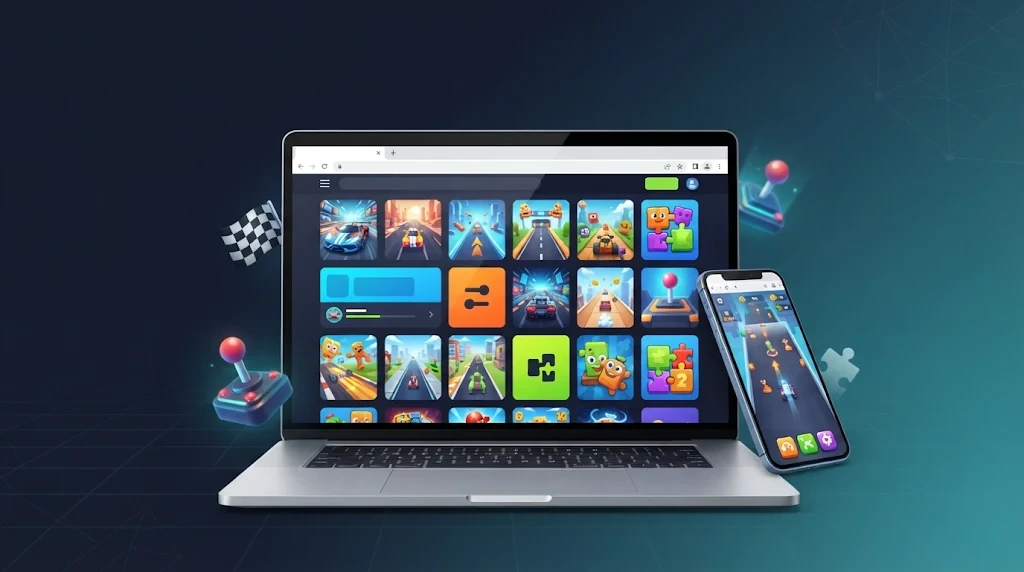
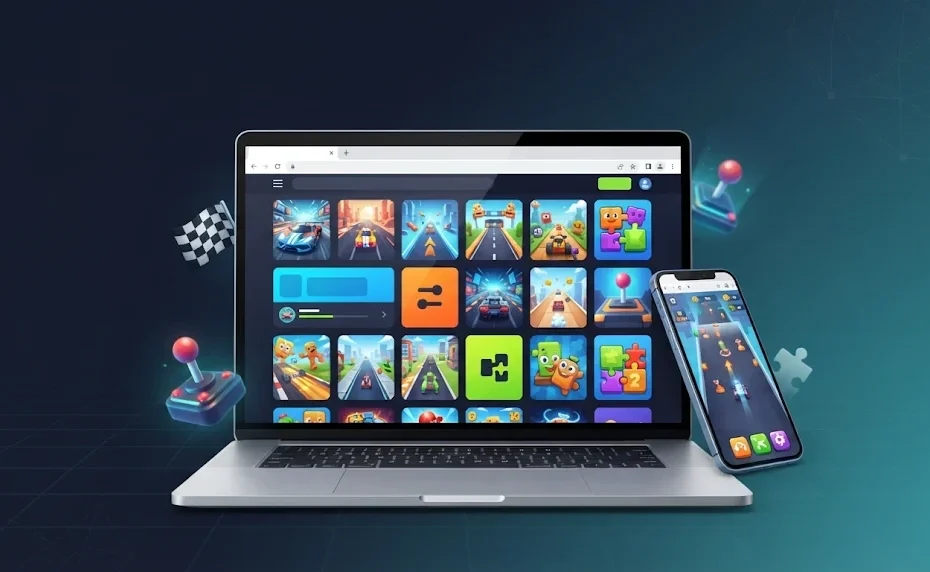
TL;DR: TBG95 is a browser-based gaming platform that hosts over 100 casual HTML5 games, from racing and running titles to puzzle and action shooters. It requires no downloads or plugins, works on desktop and mobile, and is designed for quick play sessions—but you should always check your network’s rules before using it.
Quick Overview
- What it is: A directory-style website that aggregates free browser games under one roof.
- Launch: The platform says it went live in January 2022.
- Library size: More than 100 titles, spanning racing, running, action, shooting, sports, and puzzle genres.
- Tech stack: HTML5 and Unity—no Flash, no installs, no browser extensions required.
- Access model: Built around “unblocked” games, but availability still depends on your school or workplace network.
- Safety posture: Legit and safe according to third-party scanners, but standard browser caution still applies.
What Is TBG95?
TBG95 is a browser gaming hub—a website that organizes playable titles into category pages and individual game pages so you can jump straight into a game without installing anything. Think of it less as a single game and more as a launchpad: you pick a category, choose a title, and the game runs inside your browser tab.
The platform launched in January 2022 and has since built a catalog of more than 100 games. Most of these run on HTML5, the open web standard that replaced Adobe Flash for browser-based gaming. If you’re curious about how HTML5 became the backbone of modern browser games, Technology Org’s breakdown of the post-Flash gaming transition explains why plugins disappeared and why the browser became the new console.
TBG95’s “unblocked” label is part of its appeal. It positions itself around networks where entertainment sites are often restricted—schools, workplaces, and managed devices. That said, “unblocked” is a technical condition, not a free pass. Network administrators can block domains, categories, or scripts at any time. If a game doesn’t load, it’s usually a policy issue, not a broken link.
What Games Can You Play on TBG95?
The strongest part of TBG95 is its variety. You won’t find sprawling AAA adventures here, but you will find tight, quick-session games that load fast and demand little setup. The catalog breaks down into several recognizable lanes.
| Category | Example Titles | Best For |
|---|---|---|
| Driving & Racing | Drift Hunters, Drift Boss, Go Kart Go! Ultra! | Steering, drifting, and timing |
| Running & Arcade | Slope, Tunnel Rush, Temple Run 2, Running Fred | Fast reactions and endless runs |
| Action & Shooting | 1v1 LoL, Getaway Shootout, Smash Karts, Mad GunZ | Competitive bursts and quick reflexes |
| Puzzle & Casual | Fireboy and Watergirl, Color Road, Sling Kong, Crossy Road | Planning, cooperation, and short breaks |
This spread matters because browser games live or die by their ability to fit into unpredictable windows of free time. A five-minute break between classes or a quick lunch pause calls for something you can start instantly and stop without losing progress. Racing games reward precision, endless runners test reaction speed, and puzzle titles give you something to think about without a steep learning curve.
The library isn’t static, either. TBG95-branded games also appear across mirror domains and GitHub-hosted pages, which means the catalog can shift over time. Not every mirror is official, so it’s worth verifying the domain before you play.
How Does TBG95 Work in a Browser?
The workflow is intentionally simple. You open the site, choose a category that matches your mood, click a game, and it runs in your browser tab. No account creation, no installer, no app store. The platform says it doesn’t require extra plugins, which removes the friction that older web games once had.
Under the hood, most of these games rely on HTML5, JavaScript, and sometimes Unity’s web export. HTML5 games are essentially websites: they use the same security rules as any other page you visit, and they run inside the browser’s sandbox. That sandbox is why a legitimate browser game can’t read your files or execute programs on your computer the way a downloaded executable might.
Performance, however, isn’t guaranteed. A game that feels smooth on a laptop may stutter on an older phone, and touch controls can change the experience entirely. The practical rule is simple: if a game doesn’t load or play well, stop, check your browser compatibility, and respect whatever network policy is in place. Trying to “defeat” administrative controls is a policy problem, not a technical one.
Is TBG95 Safe to Use?
Safety on unblocked game sites comes down to two layers: the platform itself and your own browsing habits. TBG95 publishes privacy and terms pages, and third-party scanners like ScamAdviser have labeled the associated domain as legit and safe for consumers. The site uses HTTPS, which means traffic between your browser and the server is encrypted.
But “safe” doesn’t mean “risk-free.” Unblocked game hubs often serve embedded games, advertisements, and third-party content, and those surfaces deserve the same caution you’d apply to any entertainment site. A few habits go a long way:
- Verify the domain before you enter any information.
- Avoid unexpected downloads or browser-extension prompts.
- Keep your browser and security features updated.
- Don’t enter sensitive account details unnecessarily.
- Use approved networks and devices when possible.
The broader context matters too. Browser-based games that run without downloads have become a common way for students to spend short breaks on restricted school networks, and researchers have noted that this popularity reflects a demand for quick, low-commitment entertainment during unpredictable free time. That doesn’t make every game appropriate for every setting. A game that’s harmless on your own device during personal time can still violate a school’s acceptable-use policy if you play it during class or on a managed network.
Definition: “Unblocked” describes a game’s ability to load on a filtered network—not permission to bypass rules. Availability and authorization are two different things.
TBG95 vs. Other Unblocked Game Sites
TBG95 isn’t the only player in this space. The comparison below uses publicly reported features and user-facing characteristics to show where it fits.
| Platform | Interface | Ad Experience | Catalog Style | Notable Trade-off |
|---|---|---|---|---|
| TBG95 | Retro, basic, open-source feel | Reported as light on ads | 100+ casual titles across genres | Design feels dated; mirrors vary in quality |
| Classroom6x | Clean, kid-safe layout | No popups reported | Curated short-session games | Smaller library |
| Unblocked Games WTF | Simple, fast-loading | Heavy ad presence reported | Broad directory | Ads can interrupt play |
| TwoPlayerGames.org | Embedded game focus | Some ads | Strong for local duo play | Less focused on solo quick sessions |
The takeaway isn’t that one platform wins outright. It’s that TBG95 leans toward low-friction access—a basic interface, a wide spread of genres, and minimal setup—rather than polish or curation. If you want a clean, parent-friendly experience, a curated site may suit you better. If you want variety and don’t mind a retro look, TBG95 covers more ground.
Who Is TBG95 Best For?
TBG95 fits three broad groups.
Casual players who want a quick arcade session without downloading a client or creating an account. The catalog’s strength is breadth: you can drift in a racing game, run an endless obstacle course, or solve a cooperative puzzle without switching platforms.
Students on breaks who have short, unpredictable windows of free time and need something that loads instantly. The caveat is non-negotiable: follow your school’s acceptable-use policy. Using a game during a lesson or on a managed device can cost you computer privileges, and filter evasion usually violates policy rather than working around it.
Beginners and non-gamers who find traditional game platforms intimidating. TBG95’s category-first layout is easy to scan, and the games themselves rarely demand complex controls. If you can click a mouse or tap a screen, you can play most of the library.
What Should You Know About Network Restrictions?
The word “unblocked” can create a false sense of security. In reality, every managed network is different. A school district might block the main TBG95 domain but leave a GitHub mirror accessible, or it might block the entire category of gaming sites at the firewall level. A workplace might allow the site during lunch but flag it during work hours.
The responsible approach is straightforward. Treat network blocks as policy decisions, not obstacles to outsmart. If a game won’t load on a school or work device, the safest move is to stop and check whether the activity is permitted—not to try a proxy, VPN, or DNS trick. Those workarounds can violate acceptable-use agreements and may expose you to security risks that the network was designed to prevent.
On your own device and connection, you have more freedom. Even then, keep the usual browser hygiene: updated software, a healthy dose of skepticism toward download prompts, and no unnecessary personal information entered into game pages.
The Future of Browser Gaming and TBG95 (2026 Outlook)
Browser gaming didn’t die when Flash disappeared—it expanded. HTML5, WebGL, and faster JavaScript engines turned the browser into a capable game runtime, and the audience followed. The technology stack that powers sites like TBG95 is the same stack that lets you play 3D games, endless runners, and physics puzzles without installing a thing.
For TBG95 specifically, the near-term outlook is likely to be shaped by three pressures. First, network filtering is getting smarter, which means the “unblocked” advantage will depend less on mirror domains and more on whether platforms can stay fast, lightweight, and policy-friendly. Second, mobile play is growing, and sites that adapt to touch controls will retain casual players who rarely open a laptop. Third, trust will matter more than catalog size. As more unblocked hubs appear, the platforms that publish clear terms, avoid aggressive ads, and keep their pages secure will be the ones users return to.
TBG95’s basic, low-ad approach gives it a decent foundation. Whether it evolves into a more polished destination—or remains a retro-style directory—will depend on how it handles those pressures.
Key Takeaways
- TBG95 is a browser gaming hub, not a single game—it aggregates over 100 casual HTML5 titles under one roof.
- No installs, no plugins: Games run in your browser tab, which makes it fast to start and easy to stop.
- The “unblocked” label is conditional: Availability depends on network policy, and access is not the same as permission.
- Safety is a shared responsibility: The platform uses HTTPS and has a legit reputation, but you still need to avoid sketchy downloads and unnecessary personal info.
- Best for quick sessions: Racing, running, action, and puzzle games dominate the catalog, making it a fit for short breaks rather than long play sessions.
FAQ
Is TBG95 free to use?
Yes. The platform hosts free browser games and doesn’t require a subscription or account for basic play. Some individual games may include optional ads or in-game prompts, but the core access is free.
Does TBG95 work on phones and tablets?
Yes, the platform supports both desktop and mobile browsers. Touch-friendly games work best on phones, while keyboard-heavy titles like racing games may feel more comfortable on a laptop.
Is TBG95 safe for school Chromebooks?
The site itself uses HTTPS and has been labeled legit by third-party scanners, but “safe” doesn’t mean “allowed.” School Chromebooks are managed devices, and playing games during class or on a restricted network can violate your school’s acceptable-use policy.
What happened to Flash games on TBG95?
TBG95 uses HTML5 and Unity, not Flash. Flash reached end-of-life in December 2020, and modern browser game platforms shifted to HTML5 so games could keep running without plugins.
Why do some TBG95 games not load?
The most common reasons are network filtering, browser compatibility, or a game that hasn’t been updated for your device. If a game fails to load on a managed network, stop and check the policy rather than trying to bypass it.
Is TBG95 the same as tbg95.github.io?
They’re related. TBG95 has appeared on GitHub-hosted pages and mirror domains, but not every mirror is official or current. Verify the domain before you play or enter any information.
Conclusion
TBG95 occupies a useful niche: it’s a no-frills, no-install gateway to a surprisingly broad collection of browser games. It won’t replace a dedicated gaming PC or a console, but that was never the point. The point is speed—opening a tab, picking a game, and playing within seconds.
If you use it with the right expectations and the right habits, it can be a reliable little arcade in your browser. Just remember that “unblocked” describes a network condition, not a license to ignore the rules of the network you’re on. Play on your own terms, respect the spaces you’re in, and the browser can be a perfectly good game console.



Mariam Nazir is a publisher at Insight World, curating expert analysis and deep dives into global technology, business, and cultural trends.
View all articles by Mariam Nazir