
Short Intro
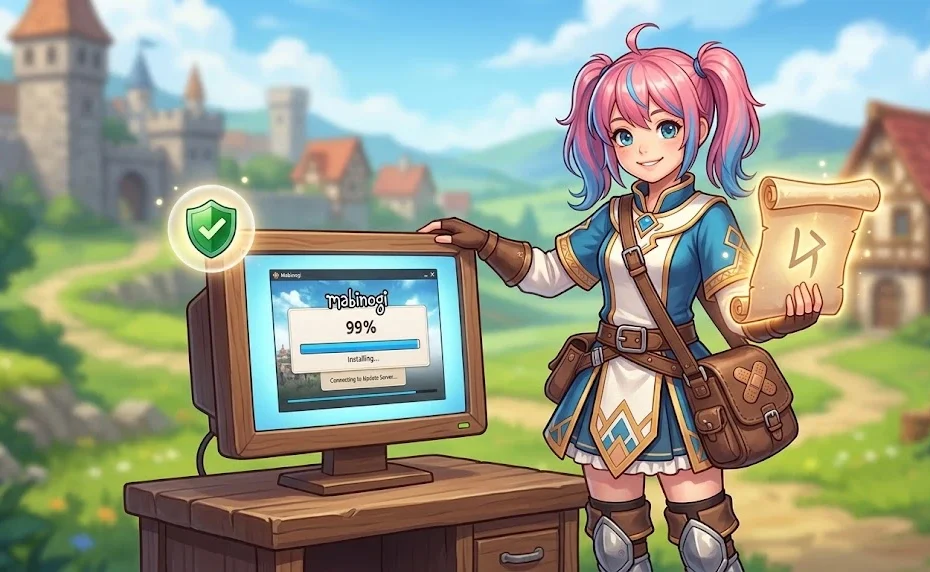
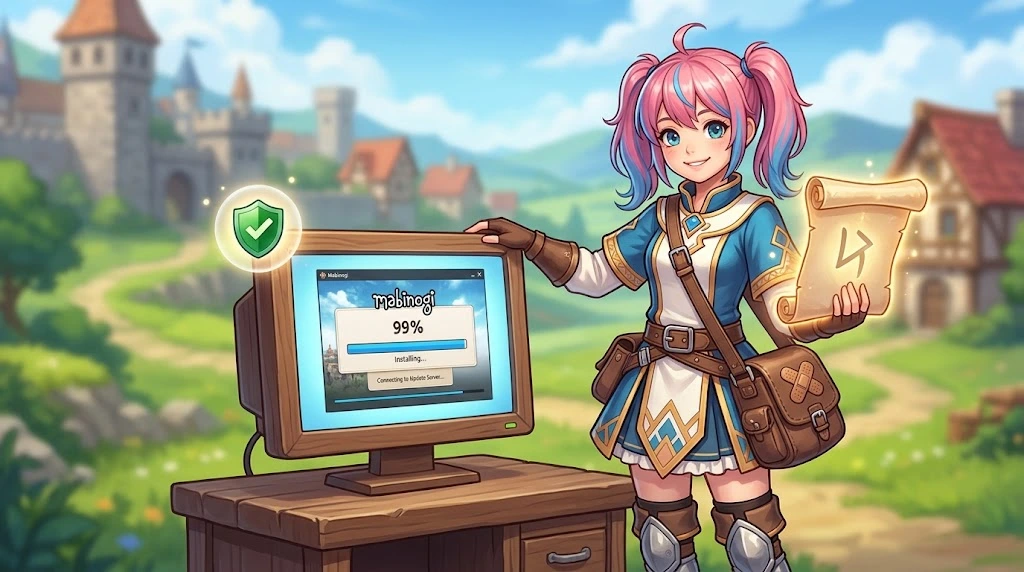
You’ve probably seen the phrase “Mabinogi lazy patch” floating around Reddit threads, Discord servers, or a random gaming blog. Maybe you searched for it because your launcher froze at 0% again, or because you’re tired of grinding the same dungeon for the hundredth time. Either way, the term gets thrown around loosely, and that’s exactly why it’s confusing.
This guide breaks down the three different things people mean when they say “lazy patch” in Mabinogi. You’ll learn which one is a real item, which ones are unofficial tools, and how to decide whether any of them belong on your computer. More importantly, you’ll walk away knowing how to speed up patching and reduce grind without risking your account.
Quick Overview
- “Mabinogi lazy patch” is not an official Nexon product or feature. It’s a community term with multiple meanings.
- The Lazy Enchant Scroll is a real in-game item—a helmet-only prefix enchant that drops from certain advanced dungeons.
- Community patch tools like
mabi-patch-thingand PowerPatcher exist, but they modify game files and can trigger account bans. - The Nexon Launcher’s slow verification is the root cause of most patching frustration, not a lack of “lazy” tools.
- Mabinogi Eternity, the upcoming Unreal Engine 5 rebuild, will make all current community patch utilities obsolete.
- You can fix most launcher problems with official repair tools and a few Windows settings—no third-party downloads required.
What Is the “Mabinogi Lazy Patch” Everyone Talks About?
Definition: In Mabinogi communities, “lazy patch” is an informal label. It can mean a real enchant scroll, a player-made update utility, or simply a joke about taking shortcuts.
The phrase doesn’t appear in any official Nexon documentation. According to the official Mabinogi website, the game is updated and maintained through the Nexon Launcher and Steam—there’s no named “lazy patch” system. Instead, the term lives in player conversations, and its meaning shifts depending on who’s using it.
Here’s the short version of the three meanings:
- The Lazy Enchant Scroll – A legitimate in-game item, not a patch tool.
- Community patch utilities – Unofficial programs that bypass or speed up the official update process.
- Player slang – A casual way to describe shortcut routes, fast travel, or skipping repetitive daily tasks.
If you searched for a downloadable “lazy patch,” you were probably looking for the second meaning. If you saw the phrase in a dungeon loot discussion, it was probably the first. And if someone said it in a Discord call while running commerce, it was probably the third.
The Lazy Enchant Scroll: A Real Item, Not a Patch
Here’s where a lot of articles get it wrong. The Lazy Enchant Scroll isn’t a software patch at all—it’s a Prefix Enchant Scroll for helmets inside Mabinogi. It boosts Max Damage and Critical rate, and it drops from end chests in dungeons like Alby Advanced and Ciar Advanced.
The exact stat values can change with game updates, so the Mabinogi World Wiki is the best place to check current numbers. But the item itself is real, tradeable, and completely within the game’s rules.
Why does this matter? Because if you’re searching for “mabinogi lazy patch” and you actually want the enchant, you don’t need to download anything. You need to run the right dungeon and open the right chest. No third-party tool required.
Why Do Players Search for a “Lazy Patch” in the First Place?
Mabinogi is an old game running on an old engine. That combination creates friction.
The Pleione Engine packs all game data—images, sounds, maps—into large compressed .pack files. Every time the Nexon Launcher updates the game, it verifies those massive files from start to finish. If your internet connection hiccups for even a second, the verification can freeze. You’ve seen the symptoms: the launcher stuck at 0% for twenty minutes, or looping at 99% while your router quietly gives up.
Repetition is the other trigger. Mabinogi is famous for its life skills, crafting, commerce, and dungeon runs—activities that often involve doing the same steps many times. For some players, that loop is relaxing. For others, it’s exhausting. When a community tool promises to “make it lazier,” people pay attention.
So the search term isn’t really about laziness. It’s about removing friction: faster updates, fewer repeated clicks, less waiting.
Steam vs. Nexon Launcher: Which One Causes Fewer Headaches?
Before you consider any community tool, it helps to understand that the official platforms handle updates very differently.
| Feature | Nexon Launcher | Steam |
|---|---|---|
| Update method | Verifies full file blocks; can freeze on connection changes | Downloads in small chunks; resumes where it stopped |
| File verification speed | Slower; checks large packed files | Faster; checks only changed files |
| Built-in repair | Yes—Repair Installation tool | Yes—Verify integrity of game files |
| Best for | Players who want a direct Nexon login | Players on unstable or limited connections |
Most players who switch to Steam report fewer freeze-ups during large patches. You keep your Nexon account, characters, and progress—you just launch through a different client. If your main frustration is the launcher itself, switching platforms is a safer first step than downloading an unofficial patch utility.
How Community Patch Tools Actually Work
Real-world example: A community developer released an open-source Python script called
mabi-patch-thingthat downloads update files directly from Nexon’s servers. Another tool, PowerPatcher, works on a similar principle.
These tools exploit a quirk of the Pleione Engine: loose files placed in the game folder are read before packed files. Instead of waiting for the launcher to verify every .pack file, a community tool downloads only the changed assets as loose files and drops them into the correct directory. The game reads those loose files first, and the update appears to skip the slow verification step.
It’s clever engineering. It’s also a direct modification of your game installation. And that’s where the problems start.
The Risks You Can’t Ignore: Bans, Malware, and Broken Files
This is the part where “lazy” stops being harmless.
Nexon’s anti-cheat system checks your game files when you log in. If your files don’t match the official version—even if the only change is a speed-up patch—your account can be flagged. Nexon’s own support documentation is explicit: unauthorized third-party programs and launchers are detected, and the game client will be terminated. The same article notes that violations of the Terms of Service “may result in the termination of your account.”
There’s a security layer too. Open-source scripts on GitHub can be reviewed by anyone who reads code. Pre-compiled .exe installers from forum posts are a different story—they can hide keyloggers or malware that steals your Nexon credentials in the background.
The uncomfortable truth: a tool that saves you ten minutes of patching can cost you a years-old account. That trade-off is rarely worth it.
Official Fixes That Work Better Than Any “Lazy Patch”
You don’t need a third-party utility to unstick a frozen launcher. Most problems have official solutions.
Stuck at 0%
- Close the Nexon Launcher completely. Check Task Manager to make sure
NexonLauncher.exeisn’t running in the background. - Open your Mabinogi installation folder (often inside
C:\Program Files (x86)\Nexon\Library\mabinogi\appdata). - Delete the temporary cache folders inside that directory.
- Restart the launcher and try again.
Stuck at 99% or Looping
- Restart your router and wait thirty seconds.
- Open Command Prompt and run
ipconfig /flushdns. - Reopen the launcher and retry the update.
If That Doesn’t Work
Use the Repair Installation option in the Nexon Launcher (click the gear icon next to the Play button). On Steam, right-click Mabinogi in your library, open Properties, and click Verify integrity of game files. A repair scan downloads far less data than a full reinstall, and it replaces only the files that are actually broken.
Mabinogi Eternity and the Future of Patch Tools
Nexon is rebuilding Mabinogi in Unreal Engine 5 under the project name Mabinogi Eternity. This isn’t a graphical touch-up—it’s an engine migration. The old Pleione .pack system and the loose-file override trick will not exist in the new version.
Every community patch tool built around Pleione—every Python script, every PowerPatcher variant—will stop working after the migration. The bugs that cause 0% and 99% freezes are tied to the old engine’s architecture, and Eternity is expected to fix those problems at the root.
If you currently rely on a community tool, start planning for its disappearance. Back up your screenshots and custom settings profiles now. When Eternity arrives, a fresh install will likely be required, and the “lazy patch” era will be over.
Safe Ways to Reduce Grind Without Modifying Files
You can make Mabinogi feel less repetitive without touching a single game file. These settings are built into the client:
- Skip cutscenes: Open Options → Game → Interface and enable skipping for previously viewed cutscenes and main story videos.
- Reduce visual load: Lower the Nameplate Count to the minimum, drop Effect Opacity, and hide custom player outfits. This stops the Pleione Engine from stuttering during busy events.
- Plan your routes: Use the fastest travel methods for commerce and learn which daily tasks give the best return for your time.
- Organize inventory: A clean bag saves more clicks than most patch tools ever will.
These changes won’t automate the game, but they’ll cut the friction that makes repetition feel worse than it needs to.
Key Takeaways
- “Mabinogi lazy patch” is slang, not software. It can mean the Lazy Enchant Scroll, a community tool, or a shortcut joke.
- The Lazy Enchant Scroll is a real helmet enchant—you earn it in dungeons, not from a download page.
- Community patch tools modify game files and can trigger account bans or malware infections.
- Steam handles large updates more reliably than the Nexon Launcher for many players.
- Official repair tools and in-game settings solve most patching and grind problems without third-party risk.
FAQ
Is the Mabinogi lazy patch an official Nexon tool?
No. Nexon has never released a product or feature under that name. The phrase is community slang, and any download using the “lazy patch” label is unofficial.
What is the Lazy Enchant Scroll in Mabinogi?
It’s a Prefix Enchant Scroll for helmets that boosts Max Damage and Critical rate. It drops from end chests in Alby Advanced and Ciar Advanced dungeons. Check the wiki for current stats.
Can using a community patch tool get me banned?
Yes. Nexon’s anti-cheat checks file integrity at login, and unauthorized modifications can result in account termination. The risk applies even to tools that only change download behavior.
Why does the Nexon Launcher get stuck at 0% or 99%?
The launcher verifies large .pack files from start to finish. Connection interruptions or leftover cache files can freeze that process. Clearing the cache or running a DNS flush often fixes it.
Will community patch tools work after Mabinogi Eternity?
No. Eternity moves the game to Unreal Engine 5, which uses a completely different file system. Pleione-based tools and loose-file overrides will stop working.
Should I switch to Steam for fewer update problems?
Many players report fewer freezes and faster verification on Steam. You keep your Nexon account and progress, so it’s a low-risk change if launcher issues are your main frustration.
Conclusion
The “Mabinogi lazy patch” isn’t a magic download that makes the game easier. It’s a label that gets attached to very different things—some legitimate, some risky, and some just jokes between players. Once you know which meaning you’re dealing with, the right move becomes clearer.
If your launcher is frozen, try the official repair tools before anything else. If you want the Lazy Enchant Scroll, run the dungeon. And if you’re tempted by a community patch utility, weigh the ten minutes it saves against the account it could cost. Convenience is worth pursuing, but not at the price of everything you’ve built in Erinn.