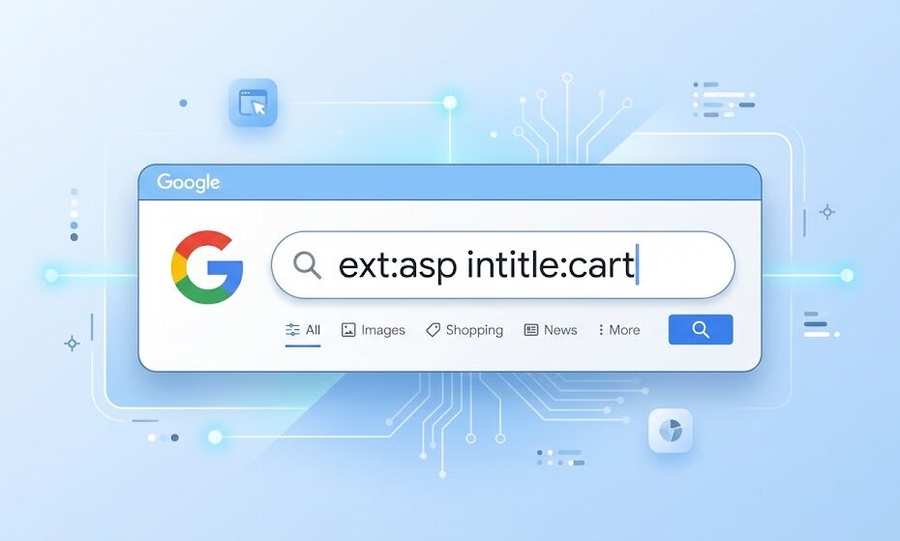
How to Use the Search Trick (ext:asp intitle:cart) to Keep Your Online Store Safe and Healthy

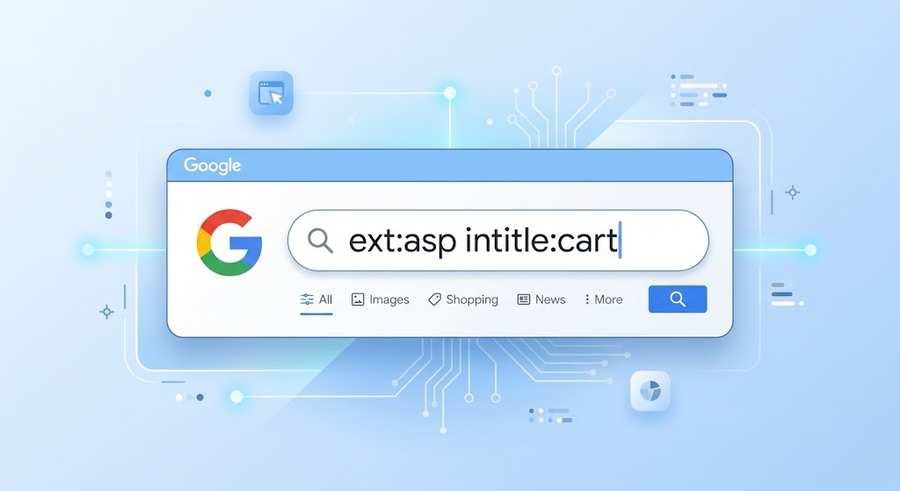
Have you ever seen a strange search like (ext:asp intitle:cart) and wondered what it does? Good news: it’s much simpler than it looks, and it can actually help you.
In this guide, you’ll learn what each part means in easy words. You’ll also see how store owners use it to check their own pages and keep customers’ trust strong. Let’s get started!
Quick Overview
- It’s a Google search made of two small commands.
- It finds shopping cart pages built with an older technology called ASP.
- It’s a handy, free check-up tool for your own website.
- Searching on Google is completely fine and legal.
- A few easy settings keep your private pages private.
1. What Does This Search Mean?
Think of Google as a big library with a very helpful librarian. Usually you ask in normal words, like “best running shoes.” But you can also give the librarian exact instructions. That’s what this search does.
It has two parts:
- ext:asp means “show me pages that end in .asp.”
- intitle:cart means “the page title must have the word cart.”
Together they say: “Show me .asp pages with ‘cart’ in the title.” That’s all!
In simple words: A search operator is a small command you type in Google to get more exact results.
2. How Do Search Commands Work?
Search commands are like filters on a shopping website. You pick what you want, and everything else disappears. Google shares the most useful ones in its guide on refining web searches with Google operators, and they’re easy to learn.
Here’s how it works in three steps:
- Type the command, then a colon, then your word. Don’t add a space after the colon.
- Google applies your filter.
- You see only the pages that match.
You can use more than one command together, just like this search does. People call this Google dorking. Don’t worry about the fancy name. It simply means “using smart search commands.”
3. What Pages Will You See?
ASP means Active Server Pages. It’s a technology from Microsoft that many shops used years ago. Some of those shops still run today.
When you try this search, you’ll mostly see:
- Older shopping cart pages
- Checkout steps from small stores
- Test pages that someone forgot to remove
- A few pages that just happen to have “cart” in the title
Newer shops often use tools like Shopify or WooCommerce, so their pages usually don’t end in .asp.
4. Who Uses This Search, and Why?
Lots of people use searches like this for good reasons. Here are a few.
Store owners
If you run an older shop, this search shows what Google can see. It’s a quick check that takes less than a minute.
SEO helpers
Cart and checkout pages don’t need to show up in search. SEO experts use this trick to find pages that can be cleaned up.
Website protectors
Security teams use similar searches to spot problems early and fix them. Their goal is to make sites safer for everyone.
One kind reminder: Use this trick on your own website. Please don’t try to enter or test other people’s sites without their permission. If you notice a problem on someone else’s shop, a friendly message to the owner is the best thing you can do.
5. How Do You Keep Cart Pages Out of Google?
Here’s the good news: this is easy to do. Cart and checkout pages are private, so they don’t need to appear in search. Google clearly explains how to keep pages out of search with a noindex rule.
Try this simple checklist:
- Add a noindex tag to your cart, checkout, and account pages.
- Use a robots.txt file to ask Google not to visit private folders.
- Add a login or permission lock to anything that holds private information.
- Delete old test pages you don’t use anymore.
- Open Google Search Console and look for pages you didn’t expect to see.
A helpful tip: don’t depend on robots.txt alone. Use noindex together with a proper lock for the best result.
6. How Does It Compare to Other Search Commands?
Here are the most popular commands in one easy table.
| Command | What it does | Example |
| ext: or filetype: | Shows one file type only | filetype:pdf |
| intitle: | Word must be in the page title | intitle:checkout |
| inurl: | Word must be in the web address | inurl:cart |
| site: | Searches inside one website | site:example.com |
| – (minus) | Removes a word | cart -shoes |
The most useful one for you is site:. Try site:yourstore.com intitle:cart to see how your own cart pages look on Google. It’s a fast and friendly check-up.
7. Easy Mistakes to Avoid
Everyone makes small mistakes at first. Here’s how to skip them:
- Don’t add a space after the colon. Write intitle:cart, not intitle: cart.
- Remember results may be old. Google sometimes shows pages that were already removed.
- Don’t panic if you see a cart page. It only means the page is listed. A simple noindex tag fixes it.
- Check for updates. Google changes things now and then, so results can look different over time.
The golden rule: start with your own website, and you’ll do great.
Key Takeaways
- The search uses two small commands to find .asp pages with “cart” in the title.
- It mostly shows older online shops.
- It’s a free, simple way to check your own store.
- Noindex tags and logins keep private pages safe.
- Try site: on your own domain for an easy health check.
Frequently Asked Questions
What does ext:asp intitle:cart mean?
It asks Google for pages that end in .asp and have “cart” in the title. It’s a filter made from two commands. Store owners can use it on their own website to see which cart pages Google has listed.
Is it legal to use this search?
Yes, searching on Google is completely legal. Just remember to look at your own website, and don’t try to enter or test other people’s sites without permission. If you spot a problem, tell the owner kindly.
What is Google dorking?
Google dorking means using special search commands to find very exact results. It’s a normal skill for SEO experts and website protectors. It doesn’t break into anything; it only filters what Google already shows.
How do I keep my cart pages out of Google?
Add a noindex tag to your cart and checkout pages. Then add a login or permission lock to private areas. Finally, open Google Search Console to confirm those pages aren’t listed anymore.
What’s the difference between ext: and filetype:?
There’s no real difference. Both show only one type of file, like .asp or .pdf. Most people use filetype: because it appears in more guides, but both work well on Google.
Why do old ASP shops still show up?
Many small businesses never rebuilt their first website, so those pages are still online. Google keeps listing a page as long as it exists and can be visited.
Conclusion
The search (ext:asp intitle:cart) looks tricky, but it’s really just two simple filters. Used on your own website, it’s a friendly tool that helps you spot problems early. Take five minutes today to run a quick check, add noindex where needed, and lock your private pages. Small steps now build a safer, stronger store for your customers.